

This page explains how to create, edit, review, and publish changes to the Synonyms. Navigate in app: Semantic Fusion Model → Semantic Statements → SynonymsDocumentation Index
Fetch the complete documentation index at: https://docs.jedify.com/llms.txt
Use this file to discover all available pages before exploring further.
- Click ‘Add synonym’ to add a new synonym.
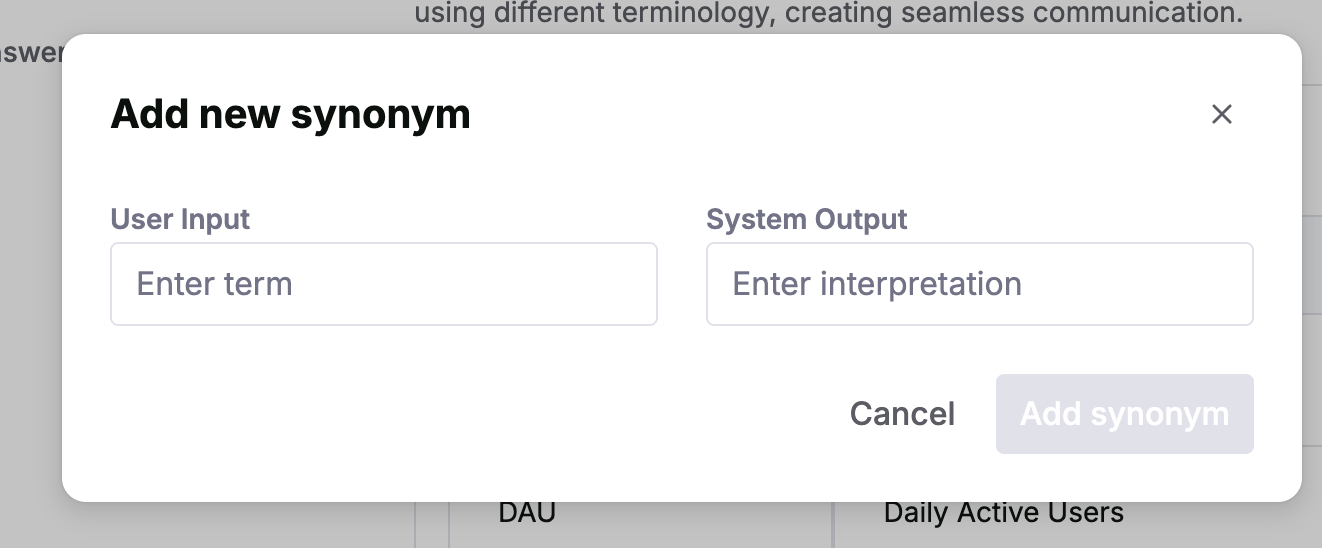
- Input the term and it’s expected output (e.g. “WAU” → “Weekly Active Users”)
- Save your changes by selecting “Add Synonym”.
- Test your changes by asking relevant questions in ‘Ask Jedify’.
- Publish your changes to be used across your entire organization.